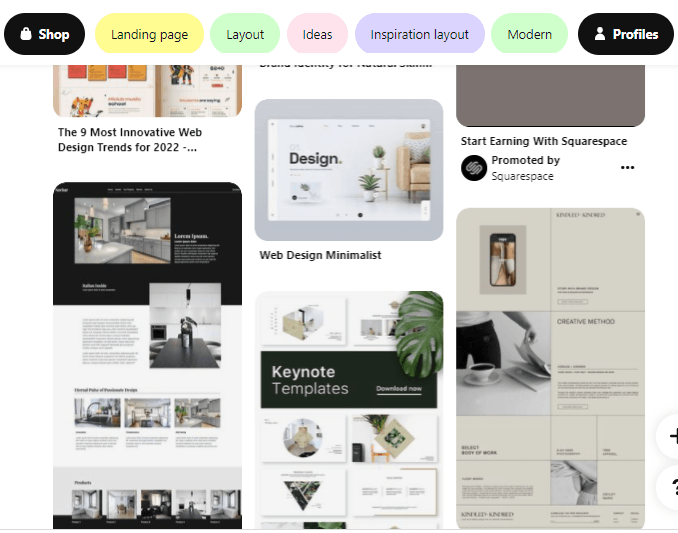
The Art of Blending Aesthetics and Functionality in Web Design
The art of blending aesthetics and functionality in web design is crucial for creating a user-friendly experience that captivates visitors. A visually appealing website can draw users in, but without effective functionality, it risks losing them to competitors. Designers must strike the right balance by incorporating elements such as visual hierarchy and intuitive navigation. A well-rounded web design not only enhances the overall look but also makes vital information easily accessible, improving user satisfaction and engagement.
Moreover, effective use of color schemes, typography, and whitespace plays a significant role in achieving this delicate balance. According to UX Design, color can evoke emotions and guide users through a site, while typography impacts readability and perception. By integrating these aesthetic elements with practical features such as responsive design and fast loading times, web designers can create an environment that not only looks good but also performs well under various conditions. The ultimate goal is to enhance the user experience, thereby increasing the likelihood of conversion and customer loyalty.
Top 10 Tools Every Designer and Developer Should Know
In the fast-paced world of design and development, staying ahead requires the right tools at your disposal. To streamline your workflow and enhance productivity, we’ve compiled a list of the Top 10 Tools Every Designer and Developer Should Know. These tools are essential for anyone looking to create stunning visuals and robust applications. Whether it’s for prototyping, collaboration, or coding, having the right resources can make all the difference. Here’s a glimpse of some must-know tools:
- Figma - A powerful interface design tool that allows real-time collaboration.
- Adobe XD - A popular choice for designing and prototyping user experiences.
- Sketch - Ideal for vector graphics and UI design.
- GitHub - Essential for version control and collaboration on coding projects.
- Visual Studio Code - A versatile code editor with extensive extensions available.
- Sass - A preprocessor that helps write clean and maintainable CSS.
- Webpack - A module bundler that improves web application performance.
- Bootstrap - An open-source framework for building responsive websites quickly.
- Canva - A user-friendly graphic design tool for quick visual content creation.
- Trello - A project management tool that helps teams organize and prioritize tasks effectively.
For further insights, you can check out useful resources such as Smashing Magazine and Creative Bloq that detail various design tools that can boost your productivity.
How to Turn Your Creative Ideas into Functional Code
Transforming your creative ideas into functional code can be an exhilarating journey. Start by clearly defining what you want to achieve. Create a detailed plan outlining your project's requirements, design elements, and features. This might involve drafting sketches or wireframes, which can help visualize the end product. Once you have a clear roadmap, break down the coding process into manageable tasks. Consider using project management tools like Trello or Asana to keep track of your progress and stay organized.
Next, it's crucial to choose the right programming languages and frameworks that align with your project's goals. For instance, if you're focusing on web development, familiarizing yourself with HTML, CSS, and JavaScript is essential. Resources like FreeCodeCamp and Codecademy provide excellent tutorials to help you on your coding journey. Always keep in mind that coding is an iterative process; don't hesitate to refine and adjust your code as your project evolves. Embrace collaboration and seek feedback from peers, as this can often ignite new ideas and lead to innovative solutions.